Webpage Thumbnailer Overview

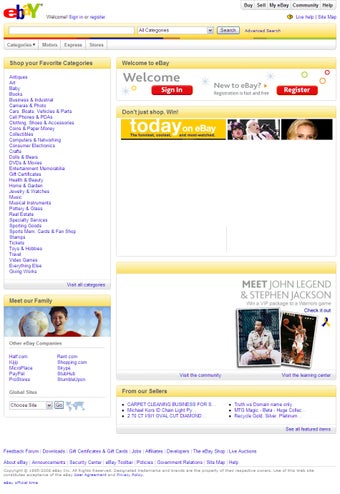
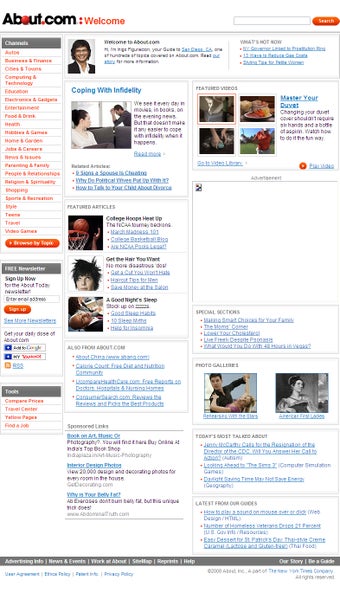
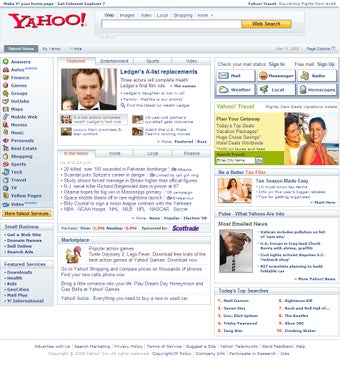
Webpage Thumbnailer is a Windows program designed to convert MHTML and HTML files into images efficiently. It offers features such as capturing website screenshots, generating thumbnails of webpages, and scheduling automatic website screenshots. The program operates in the background, supporting multiple web page captures simultaneously in batch mode. It also supports photos in JPG, GIF, PNG, BMP, and TIF formats. Additionally, it allows delayed snapshots, disabling Java, ActiveX, and scripts on web pages. Webpage Thumbnailer is a valuable tool for web designers, enabling easy conversion of webpages to images for customer previews with just a few clicks.

 0/4

App specs

  • License

    Full

  • Version

    1.7

  • Latest update

  • Platform

    Windows

  • OS

    Windows 11

  • Language

    English

  • Downloads

    12

  • Size

    784.46 KB

  • Developer

Program available in other languages


User reviews about Webpage Thumbnailer

Have you tried Webpage Thumbnailer? Be the first to leave your opinion!

Add review

You may also like

Explore Apps

Latest articles

Laws concerning the use of this software vary from country to country. We do not encourage or condone the use of this program if it is in violation of these laws.
Softonic

Is Webpage Thumbnailer safe?

98/100

Score result: Clean

This file passed a comprehensive security scan using VirusTotal technology. It is safe to download.

  • Virus free
  • Spyware free
  • Malware free
  • Verified by Security Partners

    VirusTotal logo

Scan Info

Last scan
Thursday, June 19, 2025
Scan provider
VirusTotal · Full report

File Integrity

File
Webpage_Thumbnailer_V1.7.exe
SHA256
354233c119de887fa1d4911222368ac8333a5593450503d115aa58d249d93874
SHA1
8a6a82616428a8efff1628f3440d206def73740b

Softonic security commitment

Webpage Thumbnailer has been thoroughly scanned by our advanced security systems and verified by industry-leading partners. This file comes from the official developer and has passed all our security checks, showing no signs of viruses, malware, or spyware. For more information, visit our Security and Trust Center